Main Problem & Solution
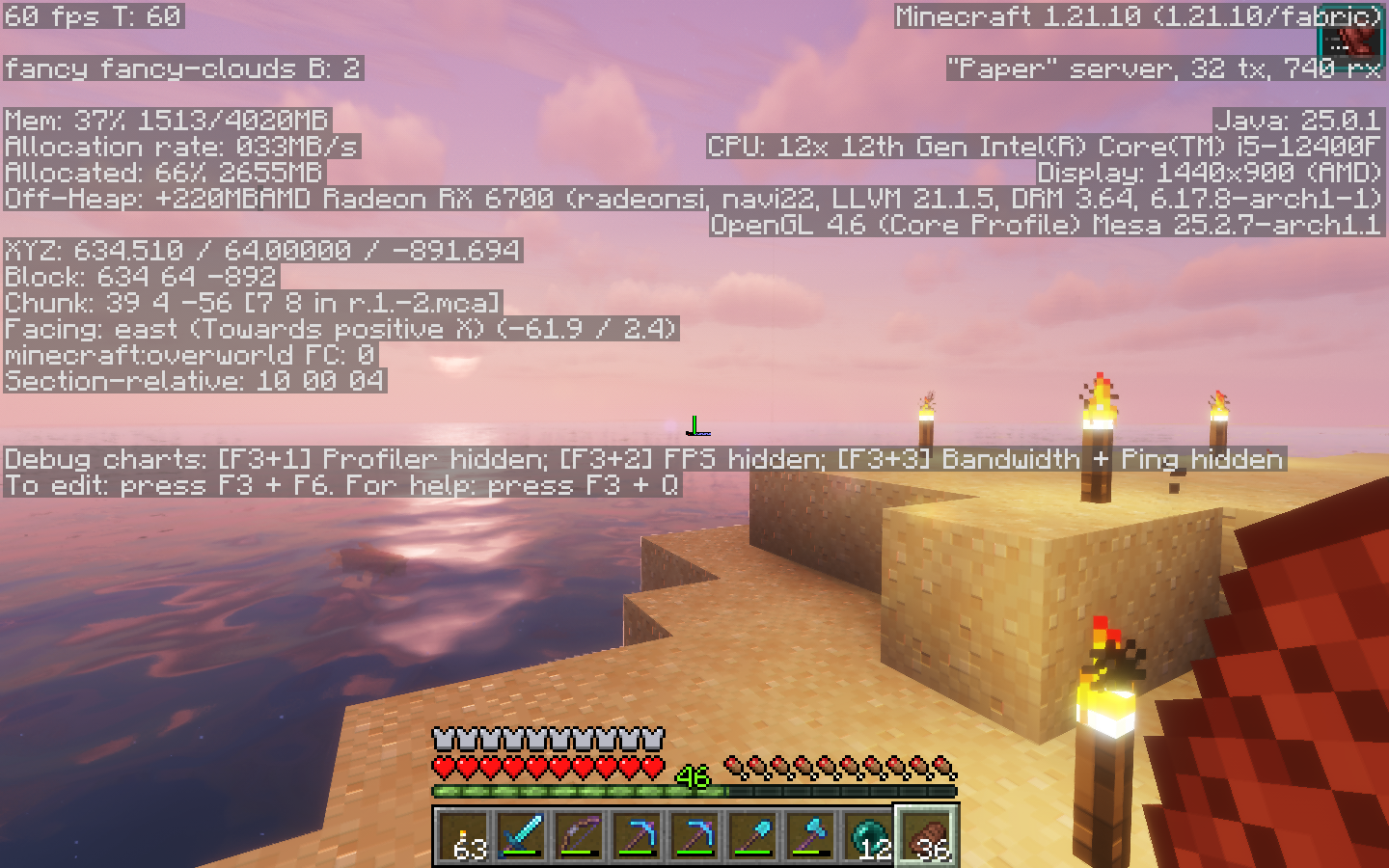
The author describes encountering AMDGPU ring timeout issues with Minecraft on an AMD Radeon RX 6700 system. Rather than modifying kernel parameters, the solution involves leveraging Mesa’s Zink driver—a compatibility layer translating OpenGL calls to Vulkan.
Hardware Configuration
- CPU: Intel Core i5-12400F
- GPU: AMD Radeon RX 6700 (Navi 22, RDNA-2)
- OS: EndeavourOS (Arch-based distribution)
- Desktop: KDE Plasma (initially), later tested Cosmic and Hyprland
- Display: Dual 4K monitors with Freesync support
Initial Setup
Required packages:
jdk-openjdk yay mesa vulkan-radeon vulkan-tools qt5-svg qt5-base multimc
Launch MultiMC with an environment variable override:
MESA_LOADER_DRIVER_OVERRIDE=zink multimc
This allows Minecraft to make OpenGL calls that are translated to Vulkan, eliminating crashes. No kernel parameter changes are necessary.
Desktop Environment Differences
Testing revealed significant variations across different desktop environments:
- KDE Plasma: Required the Zink workaround; exhibited screen tearing even with Freesync enabled
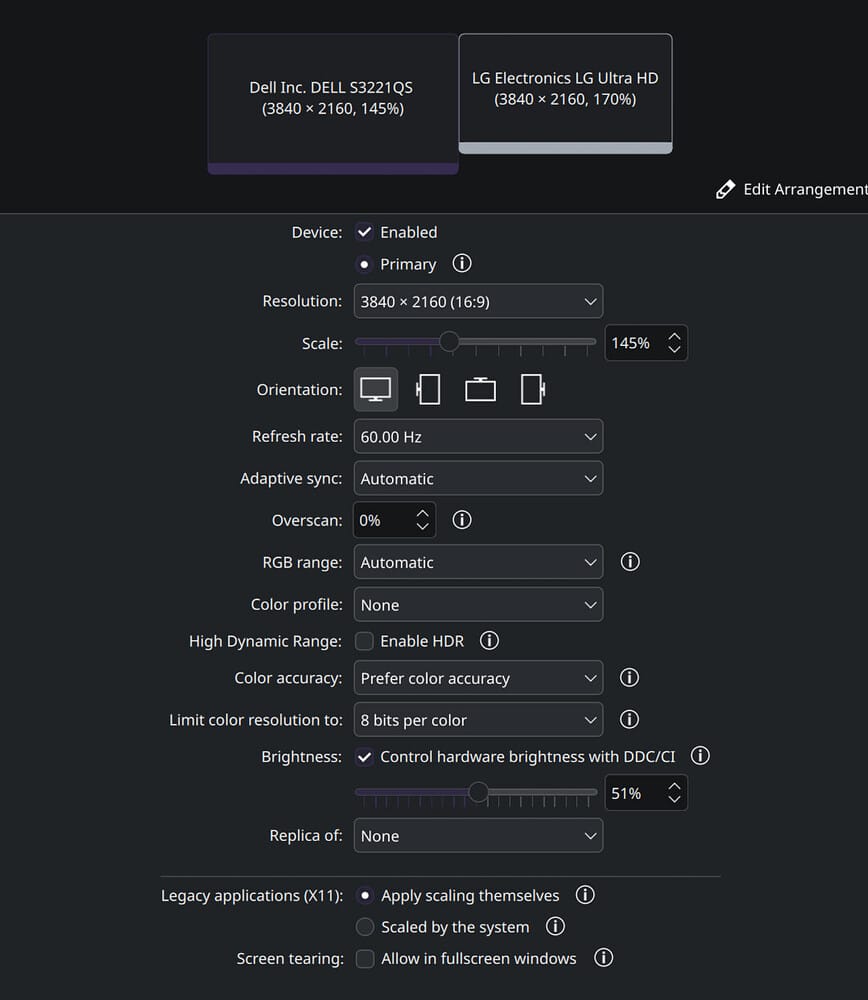
- Cosmic DE: Vanilla Minecraft ran without requiring Zink at playable frame rates
- Hyprland: Caused immediate tearing and system lockups
Performance Results
After Mesa updates, vkmark benchmarking showed a score of 31,971 with consistent frame rates around 33,000 FPS across various tests.
Browser Issues
WebGL2 implementations in both Firefox and Chromium-based browsers exhibited tearing. A mitigation for Chromium browsers:
alias brave='brave --password-store=kwallet6 --ozone-platform=wayland --use-angle=vulkan --enable-features=Vulkan,VulkanFromANGLE,DefaultANGLEVulkan &'
Final Resolution
The author ultimately upgraded to an AMD Radeon RX 9070 XT, eliminating issues entirely. For users retaining older RDNA-2 cards, kernel parameters amdgpu.lockup_timeout=1000 and amdgpu.noretry=0 may help.